Книга Top Notch 2B - Раздел 9 - Урок 1
Здесь вы найдете словарь из Раздела 9 - Урока 1 учебника Top Notch 2B, такие как "команда", "панель инструментов", "выпадающее меню" и т.д.
Обзор
Флэш-карточки
Правописание
Тест
a screen that displays a computer's output

экран компьютера
Экран компьютера мерцал, когда программа зависла.
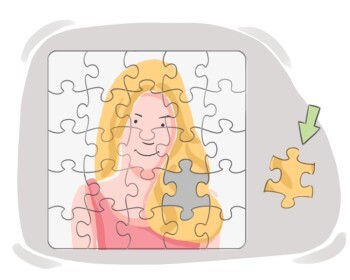
a part that combines with others to form a larger whole, often separable and functional within a system
компонент
Материнская плата является ключевым компонентом компьютера.

an instruction that tells a computer to perform a specific task or function
команда
Она ввела команду, чтобы сохранить документ перед закрытием приложения.
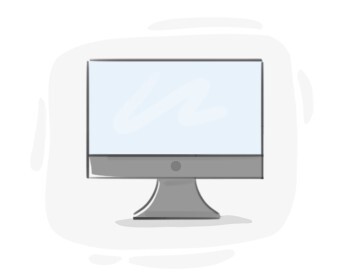
a screen that shows information or images generated by a computer
монитор
Я предпочитаю большой монитор для работы с графическим дизайном.
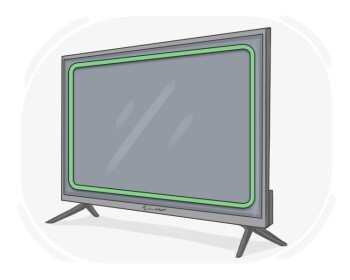
the flat panel on a television, computer, etc. on which images and information are displayed
экран
Во время презентации докладчик поделился своим экраном с аудиторией.
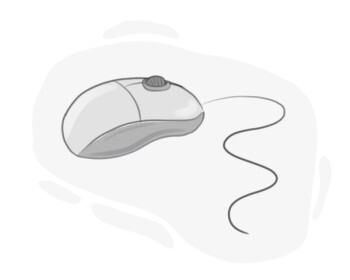
a small, handheld device that we move across a flat surface to move the cursor on a computer screen
мышь
Он прокрутил веб-страницу вниз, используя колесо прокрутки мыши.
a surface that one touches or drags one's finger on to operate a computer, program, or device
сенсорная панель
Она использовала тачпад для навигации по веб-странице.
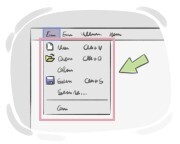
a list of commands or choices that become visible on a computer screen after clicking on the list's title
выпадающее меню
Выпадающий список показывает все доступные цвета для дизайна.
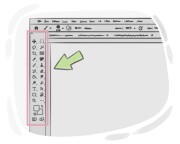
a row of icons that are on a display screen and one can click or tap on to perform specific tasks
панель инструментов
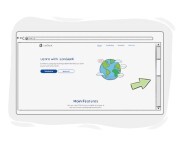
a narrow strip placed on the edge of a computer's display screen that one uses to move what is being displayed up or down to see different parts of it
полоса прокрутки
Полоса прокрутки сбоку страницы облегчает навигацию.