Top Notch 2B - Unit 9 - Lesson 1
Here you will find the vocabulary from Unit 9 - Lesson 1 in the Top Notch 2B coursebook, such as "command", "toolbar", "pull-down menu", etc.
Review
Flashcards
Spelling
Quiz
a screen that displays a computer's output
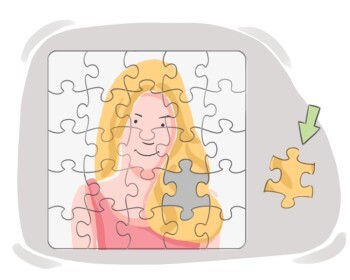
a part that combines with others to form a larger whole, often separable and functional within a system

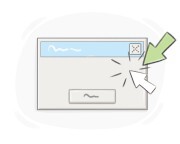
an instruction that tells a computer to perform a specific task or function
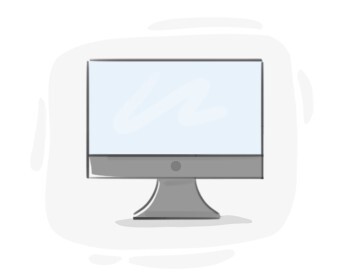
a screen that shows information or images generated by a computer
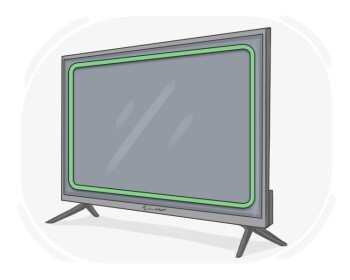
the flat panel on a television, computer, etc. on which images and information are displayed
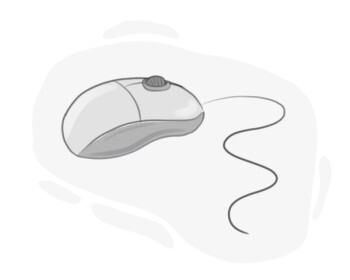
a small, handheld device that we move across a flat surface to move the cursor on a computer screen
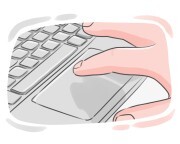
a surface that one touches or drags one's finger on to operate a computer, program, or device
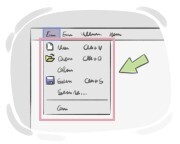
a list of commands or choices that become visible on a computer screen after clicking on the list's title
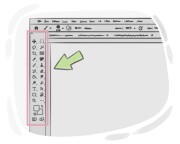
a row of icons that are on a display screen and one can click or tap on to perform specific tasks
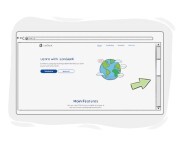
a narrow strip placed on the edge of a computer's display screen that one uses to move what is being displayed up or down to see different parts of it