Solutions - Intermediate - Unit 5 - 5A - Part 2
Here you will find the vocabulary from Unit 5 - 5A - Part 2 in the Solutions Intermediate coursebook, such as "scroll", "uncheck", "icon", etc.
Review
Flashcards
Forms
Spelling
Quiz

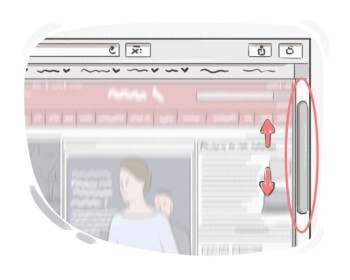
to move what is being displayed on a computer or smartphone screen up or down to see different parts of it

to mark an item or option with a cross, circle, etc. in a form, survey, exam paper, etc.
to undo or remove a previously selected option, typically by removing a checkmark or deselecting a checkbox
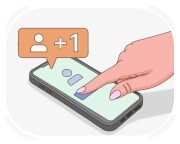
to subscribe to a person or organization's account on a social media platform to check everything that they post or publish
to make an identical duplicate of a file, text, or other digital content, usually to paste it elsewhere
to insert copied or cut content at a specified location
to bring something into existence or make something happen

to select an item or function from a computer screen, etc. using a mouse or touchpad
worthless, unwanted, and unneeded things that people throw away
a folder or location on a computer where deleted files are temporarily stored before being permanently removed
a single screen or document on the internet that contains content such as text, images, videos, and links, often part of a website
a list of options presented on the computer screen for the user to choose from

a computer file, book, piece of paper etc. that is used as evidence or a source of information
a secret group of letters or numbers that allows access to a computer system or service
a unique identifier or name chosen by a user to represent themselves or their account in online platforms, websites, or social media

the word we call a person or thing
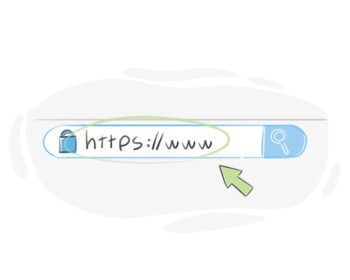
a series of letters and other characters that identifies a destination for email messages or the location of a website

a collection of data stored together in a computer, under a particular name
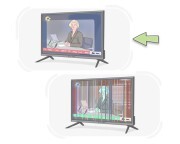
to operate or function properly
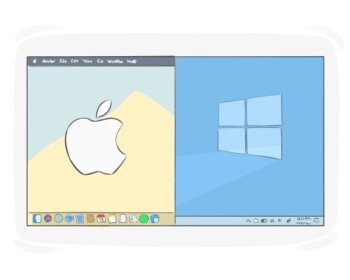
an area on a computer screen that looks like a frame displaying the operation of a specific program
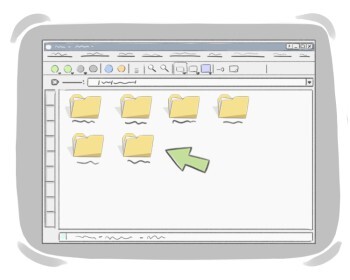
a digital location on a computer used to organize and store files together
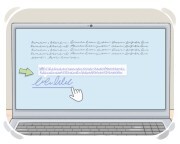
(computing) a word or picture in a website or an electronic document that will take the user to another page or document if they click on it
a rectangular space used for selection or input, like a checkbox
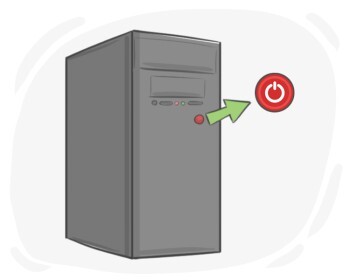
a small area or part of a machine or electronic device, which when pressed starts working

(computing) a small picture on a computer screen, etc. representing a program that when clicked will start running
to send a written message using a cell phone
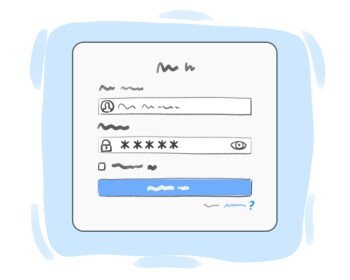
an arrangement based on which a user is given a private and personalized access to an online platform, application, or computer
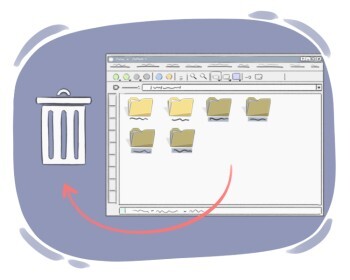
to remove a piece of data from a computer or smartphone
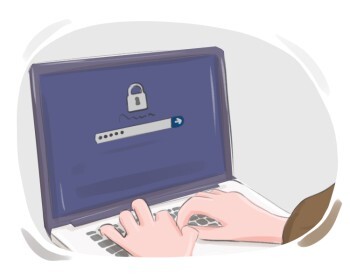
to start using a computer system, online account, or application by doing particular actions
a computer program designed to perform a specific task for a user
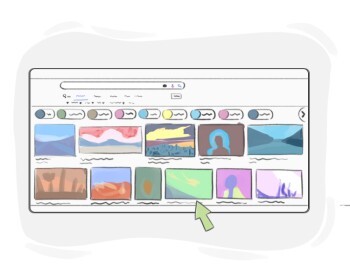
a special kind of picture that is made using a camera in order to make memories, create art, etc.