
pattern

Vocabulary for IELTS Academic (Band 5) - Computer

Here, you will learn some English words related to Computer that are necessary for the Basic Academic IELTS exam.

Review

Flashcards

Forms

Spelling

Quiz

Start learning
Vocabulary for IELTS Academic (Band 5)
to access
to access
[Verb]

to be able to use the information from a computer system, network, database, etc.

Ex: The system requires users to provide a unique code to access confidential files .
Close
Sign in
monitor
monitor
[noun]

a screen that shows information or images generated by a computer

Ex: The monitor's size is perfect for gaming and watching movies .
Close
Sign in
GIF
GIF
[noun]

a type of image file that uses lossless compression to reduce file size without compromising image quality

Close
Sign in
bug
bug
[noun]

an error or fault in a computer program, system, etc.

Ex: The game developer released a patch to address a bug that caused occasional freezing during gameplay .
Close
Sign in
icon
icon
[noun]

(computing) a small picture on a computer screen, etc. representing a program that when clicked will start running

Ex: She customized the icon for her favorite app on the phone .
Close
Sign in
USB
USB
[noun]

the technology or system for connecting other devices to a computer
Ex: The USB hub provides additional ports for connecting multiple peripherals to the computer .
Close
Sign in
DVD
DVD
[noun]

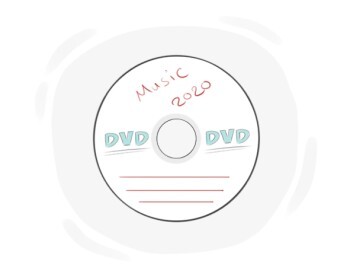
a type of disc used to store a lot of files, games, music, videos, etc.
Ex: The movie is not available for streaming , but you can buy the DVD.
Close
Sign in
desktop
desktop
[noun]

an area on a computer where the icons of programs are displayed

Ex: His desktop was cluttered with too many icons .
Close
Sign in
clipboard
clipboard
[noun]

(computing) a temporary storage area for data that has been copied or cut

Ex: The clipboard can hold multiple items in some advanced applications .
Close
Sign in
cache
cache
[noun]

(computing) a type of computer memory in which information that is often in use can be stored temporarily, a cache can be accessed quickly and is needed while a program is running

Ex: The software uses a cache to temporarily store files for quicker access .
Close
Sign in
webcam
webcam
[noun]

a camera connected to a computer that is used for recording or broadcasting videos of the user

Ex: The gaming setup featured a high-resolution webcam to stream live gameplay to an online audience .
Close
Sign in
screen saver

a picture that appears on the computer screen after a few minutes of inactivity
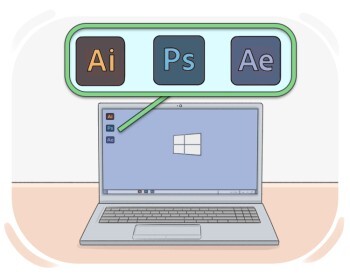
Ex: The screen saver helps protect the screen from damage .
Close
Sign in
software
software
[noun]

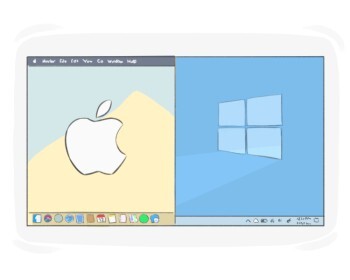
the programs that a computer uses to perform specific tasks
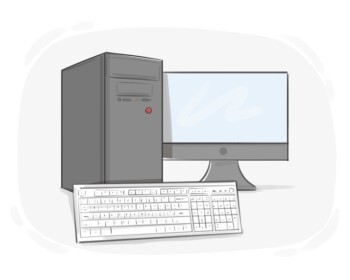
Ex: He uses accounting software to keep track of his business finances .
Close
Sign in
hardware
hardware
[noun]

the physical and electronic parts of a computer or other similar system

Ex: He opened the computer case to examine the hardware inside .
Close
Sign in
motherboard

(in electronic devices such as computers, etc.) the main printed circuit board that makes it possible for all the parts of a computer to communicate
Ex: The motherboard connects the hard drive , graphics card , and other parts .
Close
Sign in
login
login
[noun]

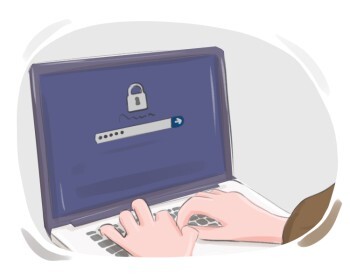
the act of entering or starting to use a computer system or an online account
Ex: The website 's login process includes a security question for added protection .
Close
Sign in
to browse
to browse
[Verb]

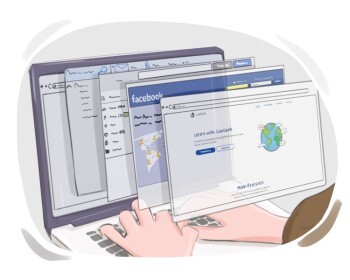
to check a web page, text, etc. without reading all the content
Ex: We browsed the web for restaurant reviews before deciding where to dine out .
Close
Sign in
to install

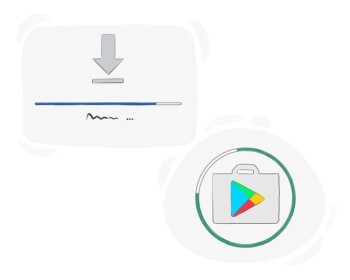
to add a piece of software to a computer system

Ex: The technician will install specialized accounting software to streamline financial processes .
Close
Sign in
to uninstall

to remove a software program from a device or system
Ex: The antivirus helped me uninstall unwanted software .
Close
Sign in
to reset
to reset
[Verb]

to turn a system off and on again

Ex: To resolve the error message , he reset the printer by powering it off and on again .
Close
Sign in
to print
to print
[Verb]

to create a number of copies of a newspaper, magazine, book, etc.

Ex: He will print the report before the meeting .
Close
Sign in
to save
to save
[Verb]

to put a copy of the desired digital file in a location

Ex: You can save the email attachment to your downloads folder .
Close
Sign in
shutdown
shutdown
[noun]

the act of turning off a computer or device

Ex: The update will begin after the next shutdown.
Close
Sign in
to format
to format
[Verb]

(computing) to prepare a storage device, such as a hard drive or USB, for use by deleting all the data on it and setting it up for a specific file system

Ex: Be sure to back up all your files before you format your computer to avoid losing important data .
Close
Sign in
to photoshop

to alter or manipulate an image using Adobe Photoshop or a similar digital editing software

Ex: The social media influencer photoshopped her outfit to make it look more flattering.
Close
Sign in
to refresh

(computing) to update a display, internet page, etc. and make the most recent information appear

Ex: Press F5 to refresh the page and view the updated results .
Close
Sign in
to paste
to paste
[Verb]

to insert copied or cut content at a specified location
Ex: To update the report , she pasted the latest sales figures into the spreadsheet .
Close
Sign in
application

a computer program designed to perform a specific task for a user
Ex: That application is n't compatible with older systems .
Close
Sign in
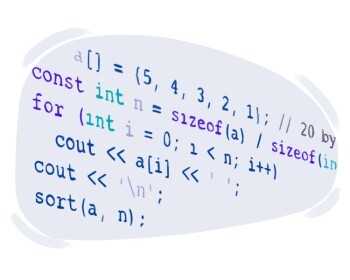
to program

to write a set of codes in order to make a computer or a machine perform a particular task

Ex: The developer programmed the website to display dynamic content based on user interactions .
Close
Sign in
LanGeek
Download LanGeek app